Update Profile
Goal
Keep account identity data accurate for daily operations.
Before You Start
- Confirm you are editing the intended account.
- Use a secure connection for sensitive account changes.
- Save changes and verify after refresh.
Steps
- Open Account Settings -> Profile.
- Update available personal fields.
- If changing email, complete required confirmation flow.
- Click Save and wait for success feedback.
- Refresh and verify new account values.
UI Snapshots (Real Interaction)
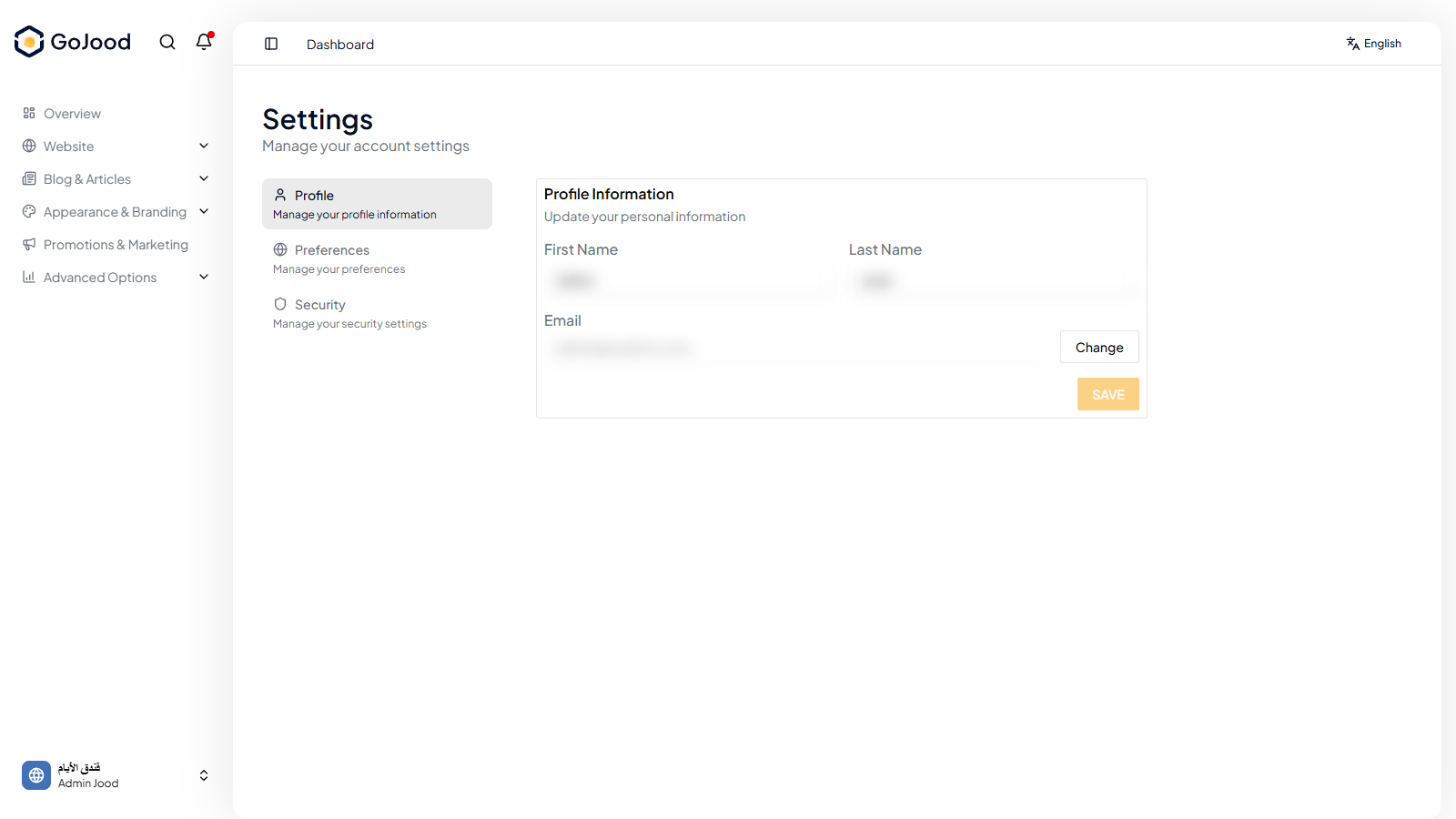
Caption: Profile screen while updating core account details.
Verify After Completion
- Updated values persist after refresh.
- No remaining validation errors.
- Displayed name/email match expected values.
Troubleshooting
- If update does not save, review required fields.
- If values look stale, refresh and retry.
- If issue persists, check activity logs or contact support.