Update Logo and Brand Mark
Goal
Keep brand visuals consistent across all customer touchpoints.
Before You Start
- Use an account with branding/marketing permission.
- Prepare brand assets or campaign inputs before editing.
- Validate result on public UI after save.
Steps
- Open Appearance & Branding then Logo and Brand Mark.
- Upload approved logo assets in proper quality.
- Update alternative variants if needed.
- Save and review in header/footer placements.
- Validate clarity on desktop and mobile.
UI Snapshots (Real Interaction)
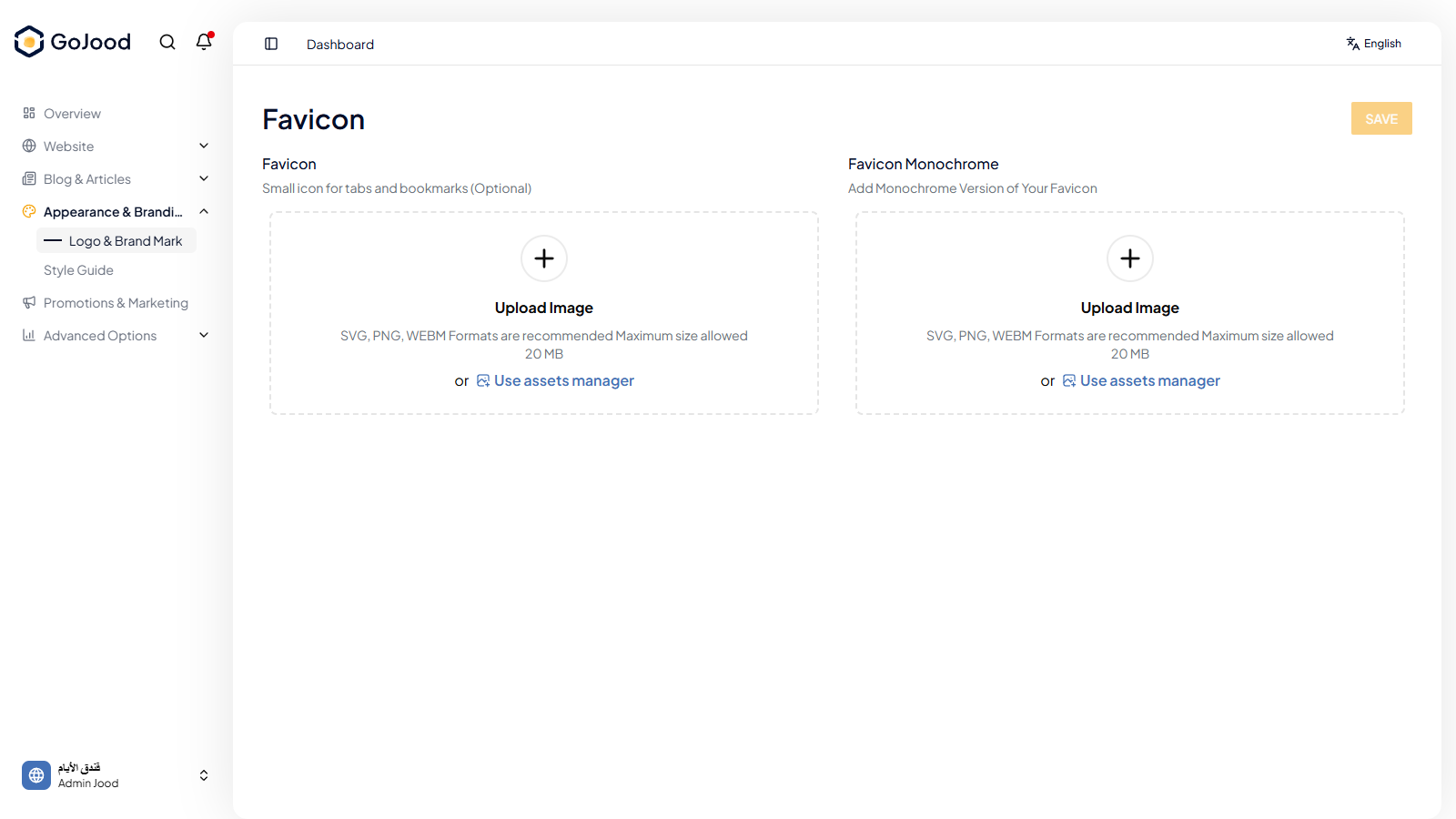
Caption: Brand identity screen used to update logo assets.
Verify After Completion
- Updated logo appears in admin and public views.
- No stretching or clipping is visible.
- Alternative variants remain readable.
Troubleshooting
- If changes do not appear, run full refresh and recheck.
- If save fails, review file format and required fields.
- If outcome is unexpected, compare with last approved configuration.