Create and Manage Promotions
Goal
Launch promotions with clear timing and controlled behavior.
Before You Start
- Use an account with branding/marketing permission.
- Prepare brand assets or campaign inputs before editing.
- Validate result on public UI after save.
Steps
- Open Promotions & Marketing.
- Create a promotion with name, type, and date range.
- Configure rules and activation status.
- Save and verify entry in promotions list.
- Test behavior on target flow before launch.
UI Snapshots (Real Interaction)
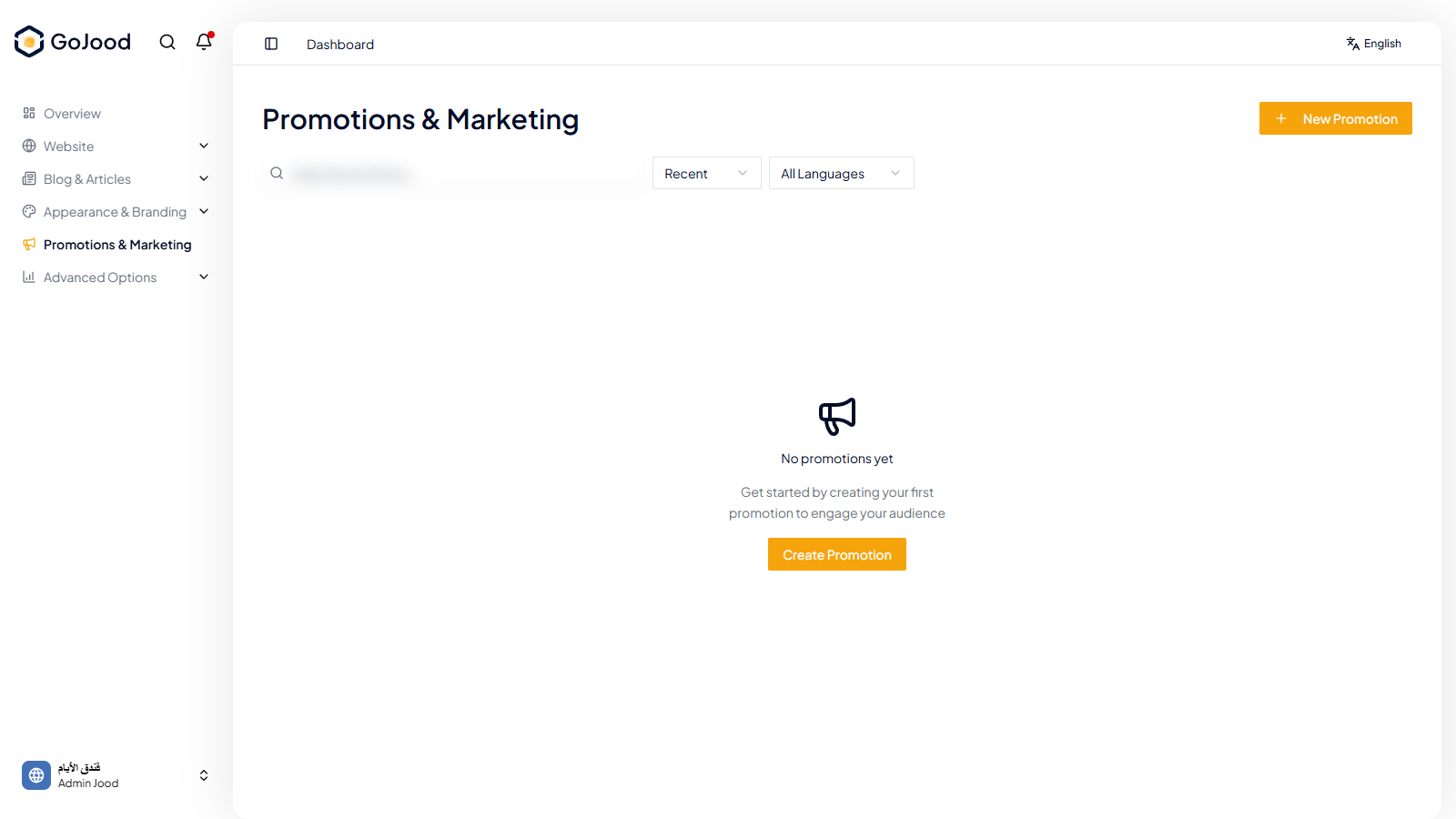
Caption: Promotions list used to create and validate campaign status.
Verify After Completion
- Promotion appears with correct schedule/state.
- No conflict with overlapping campaigns.
- Promotion behavior matches test expectation.
Troubleshooting
- If changes do not appear, run full refresh and recheck.
- If save fails, review file format and required fields.
- If outcome is unexpected, compare with last approved configuration.