SEO and Social Appearance Basics
Goal
Publish accurate metadata for better external presentation.
Before You Start
- Confirm the active website context before applying settings.
- Use an account with required permission.
- Save changes, then verify on the public experience.
Steps
- Open Website -> SEO / Social Appearance.
- Update SEO title and description for current messaging.
- Upload the social preview image used in link sharing.
- Review indexing controls when needed.
- Save and test a real URL in social preview tools.
UI Snapshots (Real Interaction)
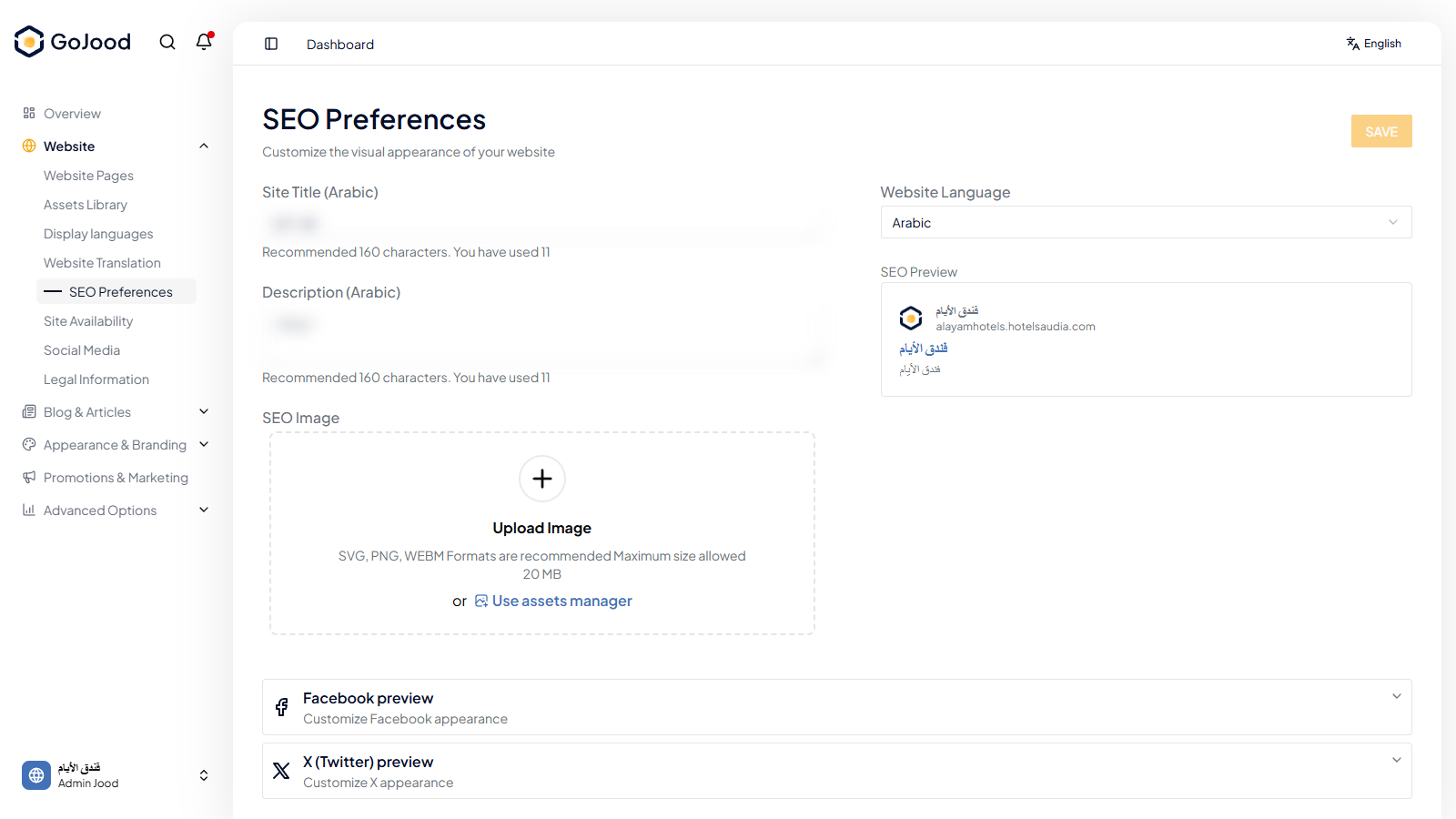
Caption: Metadata settings screen before external preview validation.
Verify After Completion
- Title/description match configured values.
- Preview image renders correctly.
- Old metadata is no longer shown.
Troubleshooting
- If results do not update, run a full page refresh.
- If save fails, review required values.
- If issue persists, share screenshot + exact steps with support.