Update Legal Information Fields
Goal
Keep legal content current for trust and compliance readiness.
Before You Start
- Confirm the active website context before applying settings.
- Use an account with required permission.
- Save changes, then verify on the public experience.
Steps
- Open Website -> Legal Information.
- Update privacy and terms using approved legal text.
- Review required ownership and contact fields.
- Save the changes.
- Verify legal pages on public website.
UI Snapshots (Real Interaction)
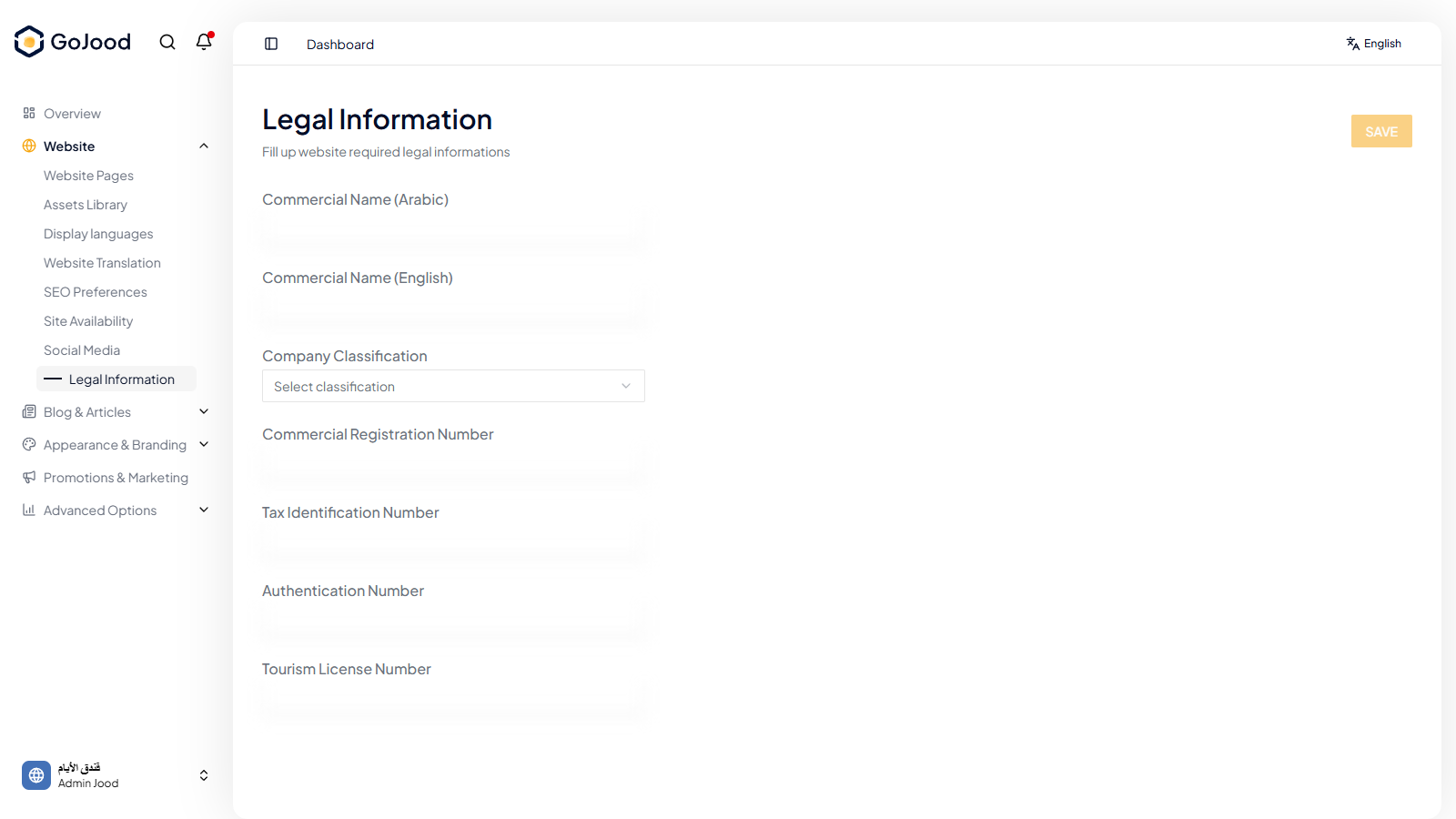
Caption: Legal information panel used for policy and terms updates.
Verify After Completion
- Public legal pages show latest content.
- Owner/company data is complete.
- No broken legal links remain.
Troubleshooting
- If results do not update, run a full page refresh.
- If save fails, review required values.
- If issue persists, share screenshot + exact steps with support.