Add, Verify, and Update Domain
Goal
Run website on trusted domain with secure HTTPS.
Before You Start
- Confirm admin-level permission before advanced changes.
- Apply changes only on the intended website.
- Test result after each major update.
Steps
- Open Advanced Options -> Domain.
- Add the required domain or subdomain.
- Copy DNS records and add them at domain provider.
- Return to JoodCMS and verify until Verified status appears.
- Set primary domain and test HTTPS access.
UI Snapshots (Real Interaction)
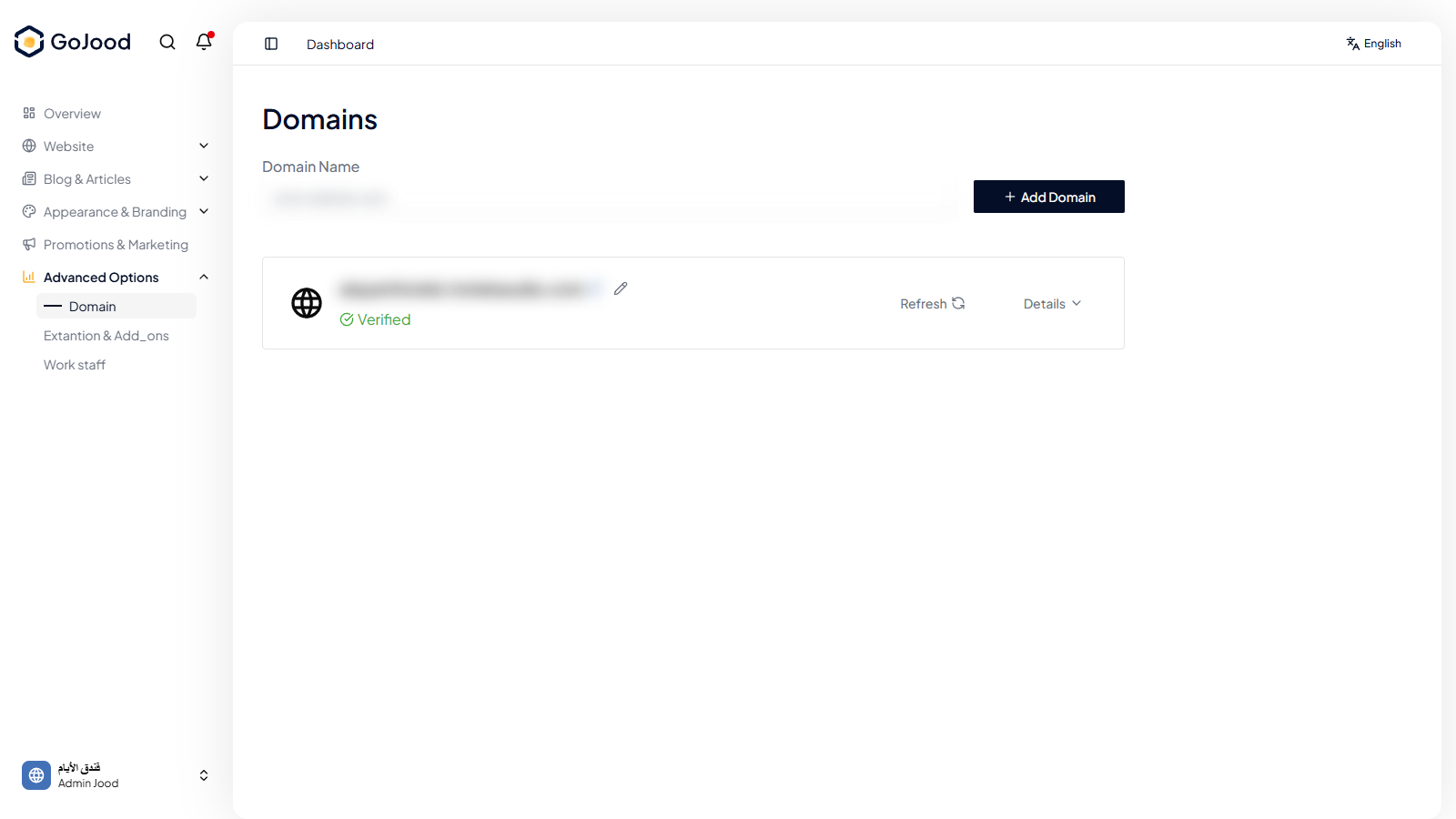
Caption: Domain management screen while adding and verifying records.
Verify After Completion
- Domain status is verified.
- Website opens under new domain with valid certificate.
- Redirect behavior matches expected policy.
Troubleshooting
- If status does not change, refresh and re-check latest action.
- If save fails, review permissions and required values.
- If issue persists, share exact steps with support.