Manage Social Media Links
Goal
Ensure visitors always reach active official channels.
Before You Start
- Confirm the active website context before applying settings.
- Use an account with required permission.
- Save changes, then verify on the public experience.
Steps
- Open Website -> Social Media Links.
- Add official URLs for each active platform.
- Remove outdated or inactive links.
- Validate URL format before save.
- Save and test links on public website.
UI Snapshots (Real Interaction)
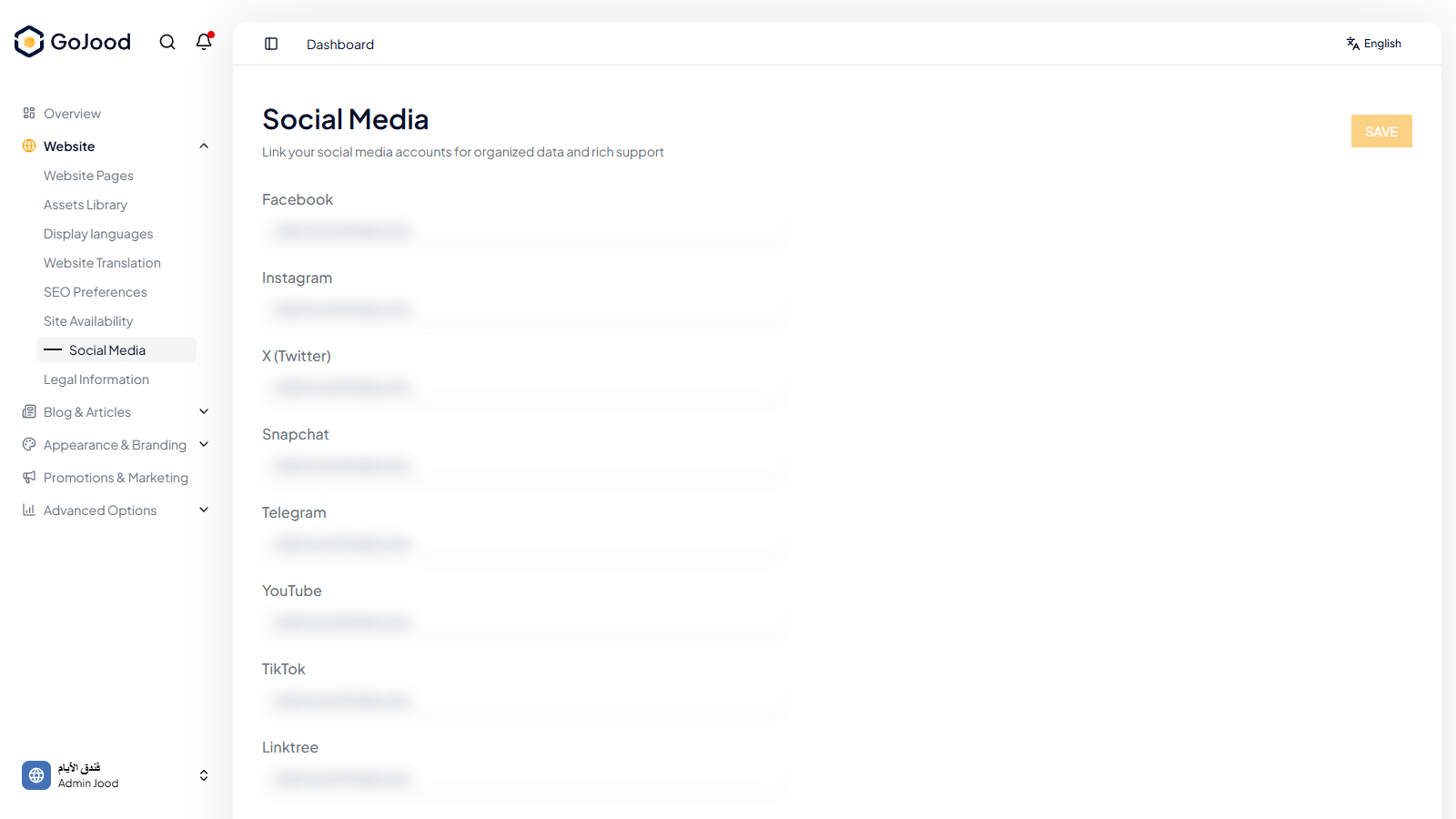
Caption: Social links configuration before public validation.
Verify After Completion
- Each link opens correct profile.
- Unused networks are hidden.
- Display order is intentional and clean.
Troubleshooting
- If results do not update, run a full page refresh.
- If save fails, review required values.
- If issue persists, share screenshot + exact steps with support.