Manage Style Guide Colors and Fonts
Goal
Maintain a consistent visual system across pages.
Before You Start
- Use an account with branding/marketing permission.
- Prepare brand assets or campaign inputs before editing.
- Validate result on public UI after save.
Steps
- Open Appearance & Branding then Style Guide.
- Set primary and secondary brand colors.
- Choose approved fonts for headings/body text.
- Review preview for contrast and readability.
- Save and validate on a published page.
UI Snapshots (Real Interaction)
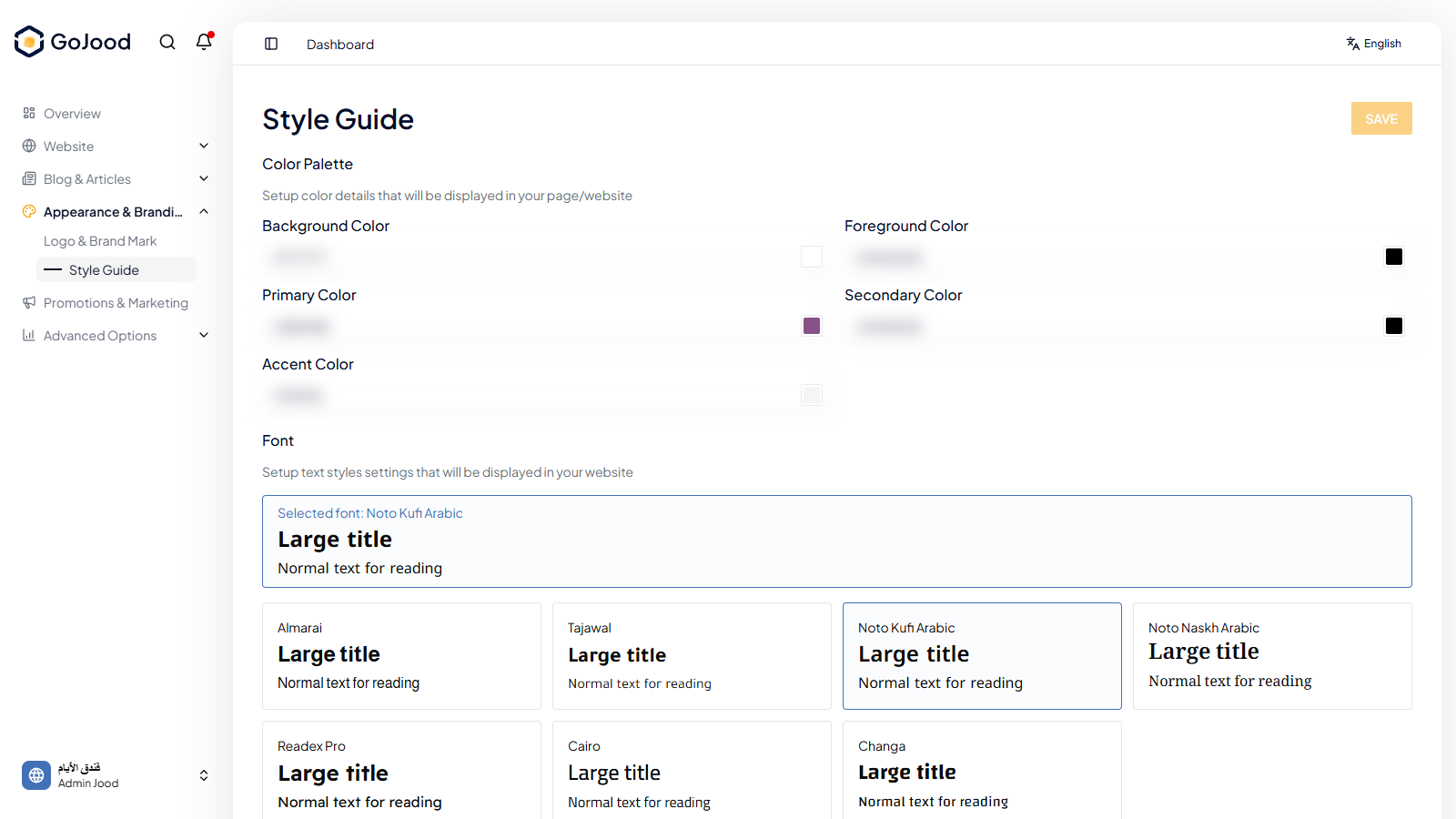
Caption: Style guide panel for colors and typography configuration.
Verify After Completion
- UI colors follow brand palette.
- Typography updates apply correctly.
- Readability remains acceptable across key screens.
Troubleshooting
- If changes do not appear, run full refresh and recheck.
- If save fails, review file format and required fields.
- If outcome is unexpected, compare with last approved configuration.