Create and Manage Tags
Goal
Maintain a clean taxonomy that supports search and navigation.
Before You Start
- Confirm correct website context and content permission.
- Prepare your content plan before publishing.
- Always check preview before final status change.
Steps
- Open Blog & Articles then Tags.
- Create a new tag with a clear naming style.
- Review similar tags and merge duplicates if needed.
- Apply tags consistently across articles.
- Delete unused tags to keep taxonomy clean.
UI Snapshots (Real Interaction)
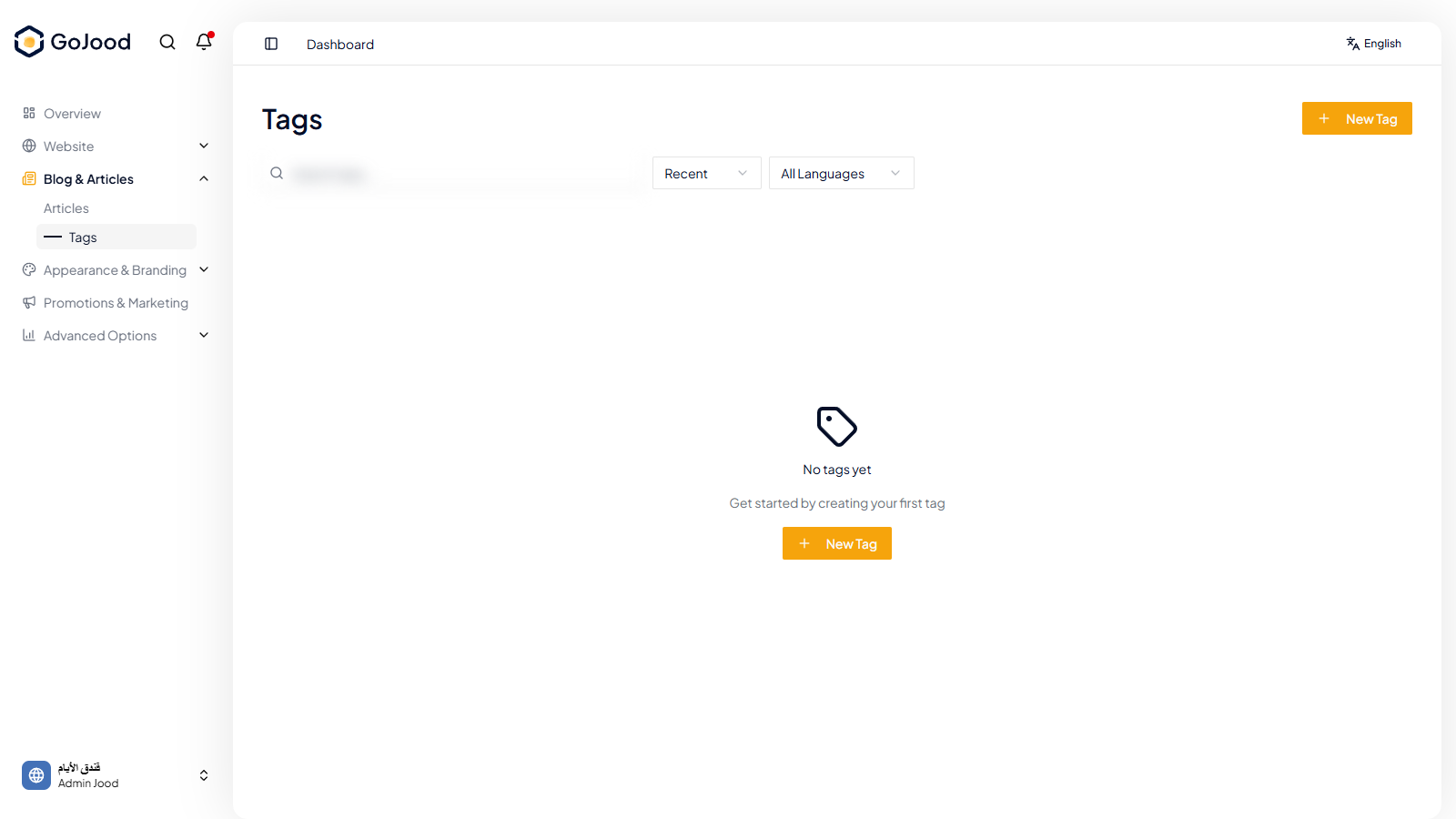
Caption: Tags workspace used to create and maintain article taxonomy.
Verify After Completion
- New tags appear in article editors.
- Duplicate naming is minimized.
- Tag filtering returns expected content.
Troubleshooting
- If status does not update, refresh listing and recheck.
- If save fails, review required fields and slug.
- If preview fails, validate content and media fields.