Website Translation Settings
Goal
Keep multilingual content consistent and reduce update errors.
Before You Start
- Confirm you are on the correct website context.
- Use an account with permission for this section.
- Save changes before leaving the page.
Steps
- Open Website then Website Translation.
- Select translation approach (manual/integrated).
- Map source and target languages.
- Save settings and test on a page or article.
- Review translated copy before final publish.
UI Snapshots (Real Interaction)
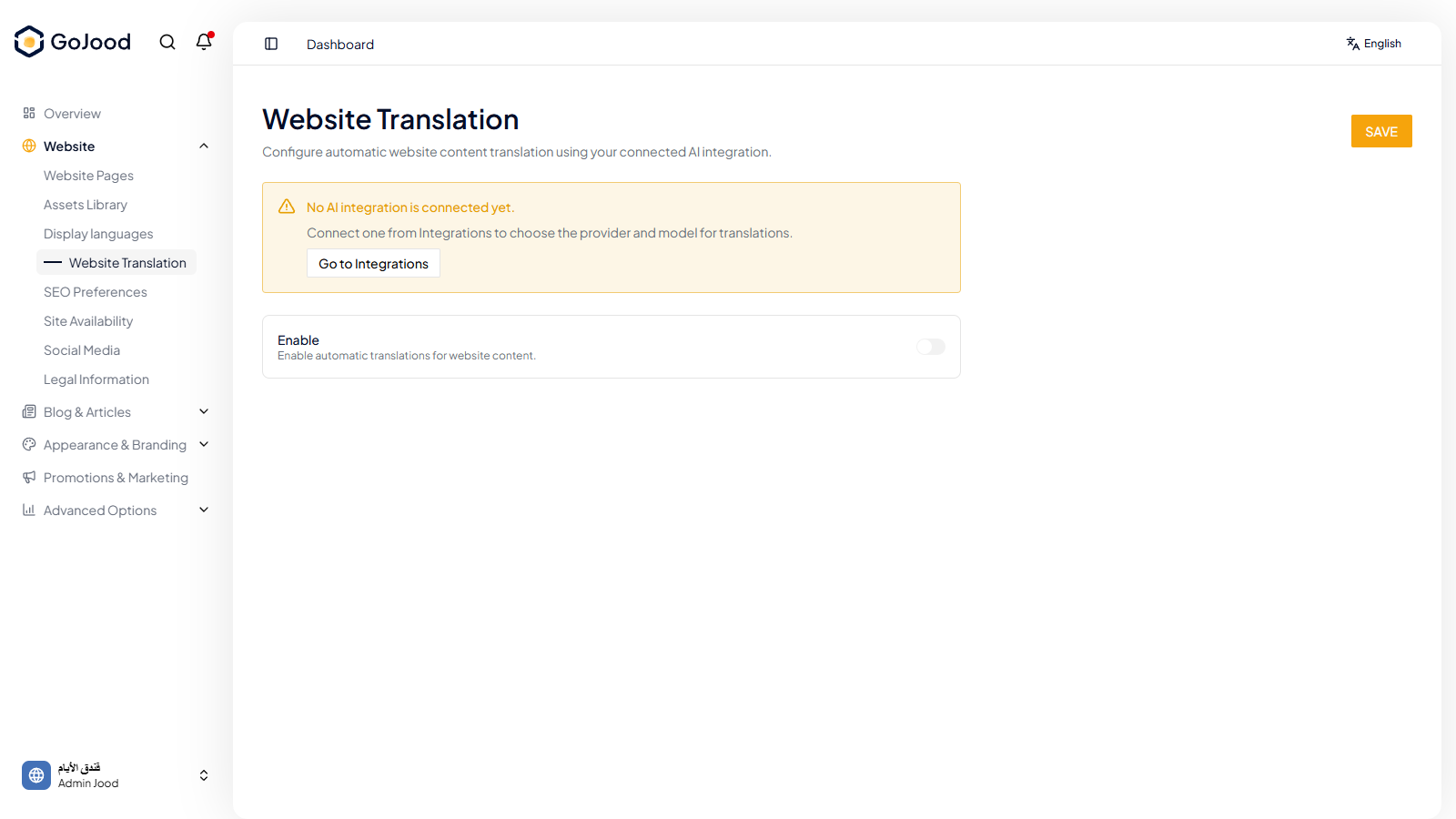
Caption: Translation configuration panel for mapping language flow.
Verify After Completion
- Language version links work correctly.
- Translated content appears in the right locale.
- Final copy is reviewed before publish.
Troubleshooting
- If update is not visible, run a full page refresh.
- If save fails, review required fields and validation.
- If issue persists, share screenshot and exact steps with support.